

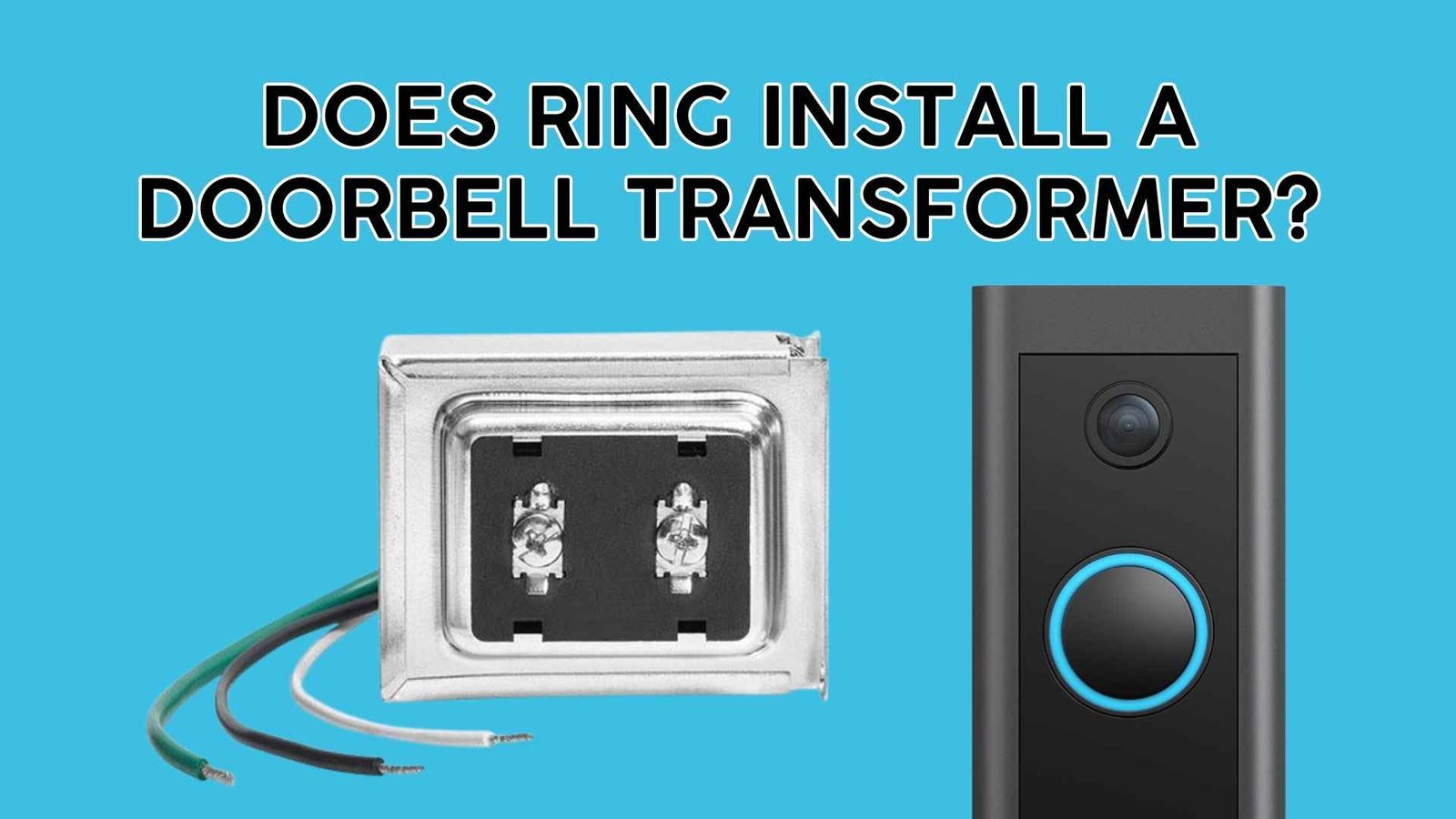

A lot of Ring doorbell “power problems” trace back to one boring little box: the doorbell transformer. If your video doorbell is hardwired (or you’re planning to hardwire it), the transformer is what steps your home’s 120V power down to safe low-voltage power for the chime and doorbell. This topic matters most to U.S. homeowners and renters who want a reliable Ring setup (no random reboots, weak night vision performance, “poor power” alerts, or chime buzzing) and want to know who is responsible—Ring, a technician, or you—for transformer work.
Ring doorbell professional installation (OnTech)
Ring typically does not send Ring employees to your home to install or replace a doorbell transformer. Ring is designed mainly for DIY setup, but Ring does offer professional installation through trusted installers/partners in eligible areas (including links to OnTech and a “Find a Local Installer” option). Transformer replacement is electrical work, and Ring notes that a qualified electrician may be required depending on local laws and building codes.
What Ring does vs. what Ring doesn’t do
Ring helps in three main ways:
- Provides official power requirements (voltage/VA ranges) by doorbell model.
- Sells compatible power accessories, including hardwired transformers and plug-in adapters.
- Offers routes to professional installation through trusted installers/partners (not usually “Ring staff”).
What Ring usually doesn’t do: show up as “Ring the company” and perform transformer swaps as a default service. Instead, they point to partner installers or recommend hiring a qualified electrician when required.
Ring’s professional installation: how it works (in the U.S.)
Ring’s installation page explains you can either:
- use their DIY guides, or
- “book with one of our trusted professional installers,” and if you’re eligible, add professional installation at checkout and schedule from the confirmation link.
Ring also has a dedicated support page stating that OnTech Smart Services provides professional installation for Ring products in the U.S., including Ring Video Doorbells.
“Installation by a qualified electrician may be required in your area.”
Why transformer replacement is treated differently
Installing a Ring doorbell on existing low-voltage wires is often a simple swap. But a transformer is connected to household power (commonly 120V in the U.S.). That’s why Ring emphasizes electrical-shock warnings and notes professional installation may be required by local code.
Quick decision guide: do you need an installer for the transformer?
| Situation | What you can usually do | What you should consider |
|---|---|---|
| Your existing transformer meets Ring’s requirements | Install doorbell using existing wiring | DIY is common; still follow safety guidance |
| Transformer is underpowered / unknown | Buy a compatible transformer or adapter | Hire an electrician if you’re not comfortable or code requires it |
| No doorbell wiring exists | Use battery model or run new wiring | New wiring often means pro help |
| You want “hands-off” setup | Book a partner installer | Ring points to partner options like OnTech |
Doorbell transformer basics (Ring power supply explained)
What a doorbell transformer actually does
A transformer takes your home’s high-voltage power and converts it into low-voltage AC suitable for doorbells and chimes. For many Ring models, that low-voltage AC needs to be strong enough (voltage + VA capacity) to keep the camera stable and the internal battery topped off (for “hardwired trickle charge” models).
Voltage vs. VA: the two numbers that matter
When people say “I have a 16V transformer,” they often miss the second half of the story: VA (volt-amps).
- Voltage (V) is the output level (like 16V or 24V).
- VA (volt-amps) is the transformer’s capacity (how much power it can supply reliably).
If VA is too low, Ring doorbells may show power warnings, disconnect frequently, or behave inconsistently—especially when the camera is active at night or during motion events.
Ring’s official transformer ranges by doorbell model
Ring publishes clear power ranges for hardwiring. Here’s the most useful “at-a-glance” version pulled from Ring’s official hardwiring guidelines:
| Ring doorbell category / model family | Compatible transformer range (AC) |
|---|---|
| Ring battery doorbells & Video Doorbell Elite | 8–24 VAC, 50/60Hz, 5–40VA |
| Video Doorbell Wired | 10–24 VAC, 50/60Hz, 8–40VA |
| Video Doorbell Pro / Wired Video Doorbell Pro (formerly Pro 2) / Wired Doorbell Plus (2nd Gen) | 16–24 VAC, 50/60Hz, 10–40VA |
| Wired Doorbell Pro (3rd Gen) | 16–24 VAC, 50/60Hz, 10–40VA |
Important note for U.S. homes
In North America, the transformer’s input is typically 120V AC, 60 Hz (the standard you’ll see on packaging/spec sheets). Ring’s own hardwired transformer product lists 120V AC input and 16V AC at 30VA output.
Ring-branded transformer options (what Ring sells)
If your existing transformer is old or underpowered, Ring specifically offers:
- Hardwired Transformer (a replacement transformer) with output listed as 16V AC at 30VA.
- A Hardwired Transformer Kit guide that recommends using at least 16V AC and at least 30VA.
How to check if your current transformer is compatible (before you hire anyone)
Where transformers are commonly located in U.S. homes
Transformers aren’t usually behind the doorbell button. They’re often:
- near or behind the indoor chime box
- mounted to an electrical junction box in a basement/utility area
- in an attic, crawlspace, or near a panel area (varies by builder)
Ring’s own transformer-install guidance notes that many homes have the transformer behind the chime or mounted near other electrical components.
How to read the transformer label (fast checklist)
Look for something like: “16V 30VA 60Hz”.
If you see these labels…
- 16V / 30VA → commonly good for many wired Ring models
- 10V or 5VA / 10VA → often too weak for modern video doorbells
- 24V can be okay if it’s within Ring’s model range (always match Ring’s published requirements)
Signs your transformer may be underpowered
- Your Ring app shows power warnings or inconsistent “hardwired” status
- Chime buzzes/hums after installing the doorbell
- Doorbell randomly disconnects when motion triggers
- Night vision performance seems unstable
If your transformer is underpowered: the best paths forward
Option 1: Replace the transformer (most “permanent” fix)
This is the classic solution when your transformer is outdated.
Ring’s own guidance includes strong safety language, including shutting off power at the breaker and noting that working with electricity can be hazardous.
When to call a pro (recommended for most homeowners)
- You’re not comfortable working near household wiring
- Your transformer is in a cramped junction box with multiple circuits
- Your state/city requires licensed electrical work for modifications
- You want liability and code compliance handled professionally
Ring explicitly reminds users that a qualified electrician may be required and local laws/building codes may apply.
Option 2: Use a Ring-compatible plug-in adapter (no transformer swap)
Some homeowners prefer not to touch the existing transformer at all. Ring lists plug-in adapter accessories (DC) as compatible power options in their hardwiring guidance.
When this is a good idea:
- You can easily route a cable to an indoor outlet
- You’re in a rental and want a reversible install
- Your existing chime wiring/transformer is confusing or inaccessible
Option 3: Choose a battery model (and skip transformer decisions)
If you’re dealing with:
- very old wiring,
- a mystery transformer,
- or no wiring at all,
a battery Ring doorbell can be the simplest path. You still get motion alerts and video—just with periodic charging.
Option 4: Book professional installation through Ring’s recommended routes
If your main goal is “no hassle,” Ring’s installation services page explains you may be able to add professional installation (eligible areas) or schedule if you already bought a device.
You’ll also see Ring directly referencing OnTech as a booking option, and Ring’s support page confirms OnTech provides professional installation for Ring Video Doorbells in the U.S.
Common mistakes homeowners make with Ring doorbell transformers
- Assuming “16V” alone is enough (VA rating matters too)
- Reusing a very old 5–10VA transformer and wondering why the doorbell is unstable
- Mixing incompatible chime setups without checking model guidance
- Ignoring safety steps (breaker off, code requirements, pro help when needed)
- Buying a transformer that doesn’t match Ring’s model range (some models need a higher minimum voltage)
FAQ: Ring doorbell transformer installation (quick answers)
1) Does Ring send technicians to install a doorbell transformer?
Usually no. Ring is largely DIY, but they offer professional installation through trusted installers/partners in eligible areas.
2) Can OnTech replace my transformer?
OnTech is listed by Ring as a professional installer option for Ring devices. Transformer replacement may depend on what’s required on-site and local code—ask during booking.
3) What transformer rating does Ring recommend for wired models?
Ring’s transformer kit guidance recommends at least 16V AC and at least 30VA for compatible wired doorbells.
4) What if I already have a transformer—how do I know it’s compatible?
Match your doorbell model to Ring’s published voltage/VA ranges (for example, many wired Pro-family models require 16–24 VAC).
5) Do all Ring doorbells require a transformer?
No. Battery models can run without hardwiring. Hardwiring (using a transformer) is used for continuous power/trickle charging and chime integration.
6) Is transformer replacement dangerous?
It can be, because it involves household electrical wiring. Ring warns about electrical shock hazards and notes professional installation may be required by law in some areas.
7) Can I avoid transformer work completely?
Often yes—by using a compatible plug-in adapter (when supported for your setup) or choosing a battery doorbell. Ring lists plug-in adapter accessories in its power guidance.
8) What’s the output of Ring’s own hardwired transformer?
Ring’s product specs list 16V AC at 30VA output and 120V AC, 60 Hz input.
9) Why does my indoor chime buzz after installing Ring?
A buzzing chime can happen when the transformer is underpowered or the chime/diode requirements aren’t matched to your setup. Checking Ring’s model-specific guidance is the fastest fix.
10) Should I hire an electrician or use an installer service?
If you’re touching transformer wiring or your local code requires it, an electrician is the safest choice. If you want device setup handled end-to-end, Ring points to professional installers like OnTech.
So, does the Ring company install a transformer for a Ring doorbell? In most cases, Ring doesn’t directly “come out and replace your transformer” as a standard in-house service. Instead, Ring provides official transformer requirements, sells compatible transformers/accessories, and points U.S. customers to trusted professional installers/partners (including OnTech) if they want hands-on help. For transformer upgrades specifically, treat it like electrical work—because it is—and hire a qualified professional when needed.