

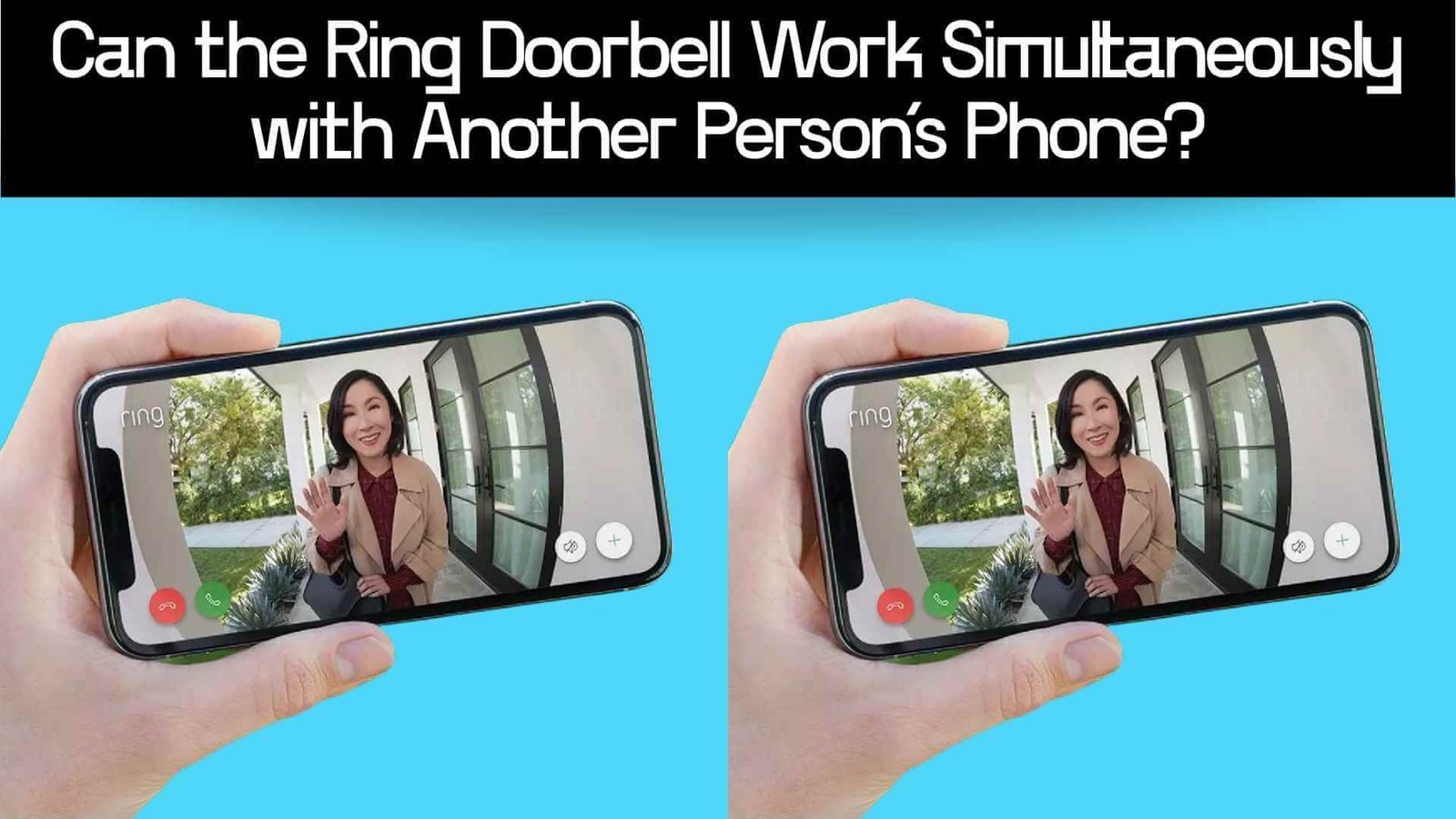

Smart home security has made protecting our homes more convenient than ever — especially with devices like Ring Doorbell. But many people wonder: if you own a Ring doorbell, can someone else in your family (or roommate) also get alerts and use the doorbell on their phone? This question matters because homes often have multiple adults — and having more than one person receiving notifications or monitoring the door adds convenience, safety, and flexibility.
In this post, we explore whether Ring supports multiple phones, how to set it up, what limitations there are, and what you should know before sharing access.
In short: Yes — the Ring Doorbell can work simultaneously with another person’s phone. You can either log in on multiple devices with the same owner account, or better yet, grant “shared user” access through the Ring app so the other person has their own login but still receives live feeds and notifications.
Short Answer
Yes — Ring supports simultaneous use across multiple phones. If you log into the same Ring account on different devices, all will receive alerts and can view live video. Alternatively, you can use Ring’s “Shared User” feature to invite another person to access your doorbell — they’ll get their own login, can see live video, receive notifications, and answer the door, while you retain full control.
How Ring Allows Multiple-Phone / Multi‑User Access
Shared Access — The Official Way
What is a “Shared User”?
- Through the Ring app, the primary owner can invite other people as “Shared Users”. You send an invite via email; once accepted, the other person gets access.
- Shared Users can view live video from the doorbell, receive motion alerts and doorbell presses, and access recorded video (if you have a Ring subscription).
What Shared Users Can & Can’t Do
| Capability | Primary Owner | Shared User |
|---|---|---|
| Live View / Doorbell Press Alerts | ✔️ | ✔️ |
| View & Share Recorded Video | ✔️ | ✔️ |
| Receive real-time notifications | ✔️ | ✔️ |
| Change device settings / motion zones / account settings | ✔️ | ❌ |
| Add/remove devices or manage other users | ✔️ | ❌ |
(Based on official Ring support documentation.)
This model ensures the owner retains control over key settings, while still allowing multiple users to benefit from the video feed and alerts.
Logging In on Multiple Phones with Same Account
- The owner’s Ring account can be logged in on as many mobile devices as needed — you and your partner could both use the same credentials on two phones. One customer review reports both phones receiving alerts and working simultaneously.
- This method is simpler, but has drawbacks: both devices share the same login credentials (less secure), and any change to settings affects both users.
“You can log into as many mobile devices as you would like with your Ring owner account.”
So, technically, this works — but many users and experts recommend the Shared User route for better security and flexibility.
Why Multi-Phone / Multi User Access Matters
Practical Scenarios
- Household with multiple residents: Parents, siblings, or roommates can all get notified when someone rings the doorbell.
- Remote monitoring by another household member: If one person is away, another can still monitor the front door via their phone.
- Shared responsibility: One person might be responsible for daily monitoring, another for adjusting settings — but both can answer the door if needed.
Privacy & Convenience Balance
Granting access using Shared Users ensures you don’t compromise your account’s security — each user logs in with their own credentials, so you can control access granularity (who sees what). Meanwhile, multiple logins make sure that important notifications or visitors are never missed, regardless of who’s home.
Potential Limitations & What to Know
Shared Users Can’t Change Settings
- Once someone is added as a Shared User, they can view and respond — but only the owner can adjust settings (e.g., motion detection zones, device configuration).
- That means if you want to reconfigure the doorbell or make changes, you’ll need to do it from the primary account.
Only One “Owner” Account per Device / Property
- According to user discussions and experience reports, there isn’t a way to have two “owners” with full control on a single Ring system. People wanting dual‑owner control often end up sharing the same login or giving up full control.
- Some users find this problematic if they want both partners to have full, equal control. As one Reddit user put it:
“We are married … and yet we cannot each have owner accounts except by logging in as one person.”
Data & Privacy Considerations
- Sharing access means more devices are tied to your Ring account — which may increase your vulnerability if any shared user’s phone is lost or compromised.
- If multiple people login with the same credentials, it may be harder to track who made changes or viewed footage.
“Can Another Phone Receive Ring Doorbell Alerts?”
Yes. Either by adding the extra phone under the same owner account, or by inviting the user as a Shared User.
“Can Two People Access the Same Ring Video Doorbell?”
Yes. Ring supports multiple users (Owner + Shared Users) for the same doorbell.
“How to Share Ring Doorbell With Family / Housemates”
Use the Shared Users feature via the Ring app to securely share access.
How to Set Up Shared Access — Step by Step
- Open the Ring app and sign in as the owner.
- Go to the dashboard and select the device (doorbell) you want to share.
- Tap the three dots (…) menu on the device tile → go to Device Settings → choose Shared Access.
- Tap “Add User”, enter the person’s email, and send the invite.
- The invited person receives an email (valid for 7 days). They must create their own Ring account (or sign in) to accept the invitation.
- Once accepted, the shared user appears under Control Center → Shared Users. They can now view live video, get alerts, and access recorded clips (if subscribed).
Optional: To revoke access, go back to Shared Users and remove the user or toggle off access for specific devices.
FAQ (Frequently Asked Questions)
Can two phones ring at the same time when someone presses the Ring doorbell?
Yes — if both phones are logged into the same Ring account or if one is an authorized Shared User, both will receive the alert simultaneously.
Do Shared Users need the owner’s password?
No. Shared Users get access via an invite and create their own login credentials.
Can Shared Users change doorbell settings or adjust motion detection?
No — only the primary owner can change device settings or account preferences.
How many phones can connect to one Ring doorbell?
There’s no strict limit — you can log in on multiple devices under the owner account or add multiple Shared Users.
If I give access to a friend or roommate, can they delete video recordings or view history?
Yes, Shared Users can view and share recorded video (if you have a subscription), but they cannot change settings or delete devices.
Is it safer to use Shared Users rather than sharing the main account login?
Yes — using Shared Users gives each person their own credentials, making access easier to manage and more secure.
What happens when I remove a Shared User?
Once removed, that person will no longer receive alerts or be able to view live or recorded video.
Does sharing access cost extra or require another subscription?
No — sharing access doesn’t cost extra. However, viewing recorded clips requires a valid subscription if you want to see stored video.
Can I make more than one person the “owner” of my Ring system?
No — Ring allows only one primary owner per system. Other users can only be Shared Users.
Will sharing increase privacy risks?
Potentially — adding more users increases the chances of unauthorized access if someone’s phone is lost or compromised. Use strong passwords and trust only people you know.
In Summary
Yes — your Ring Doorbell can absolutely work simultaneously with another person’s phone. Whether you choose to log in on multiple devices with the same account or add additional users via Ring’s Shared Users feature, multiple people can receive alerts, view live video, and respond to visitors. Shared Users get their own login credentials and access rights, making the setup more secure and flexible than simply sharing account credentials.
Sharing Ring access is especially useful for households with multiple residents or for family members who want to monitor the front door from different phones. Just keep in mind that only the main owner can change settings, and that giving access increases responsibility — so only share with people you trust.